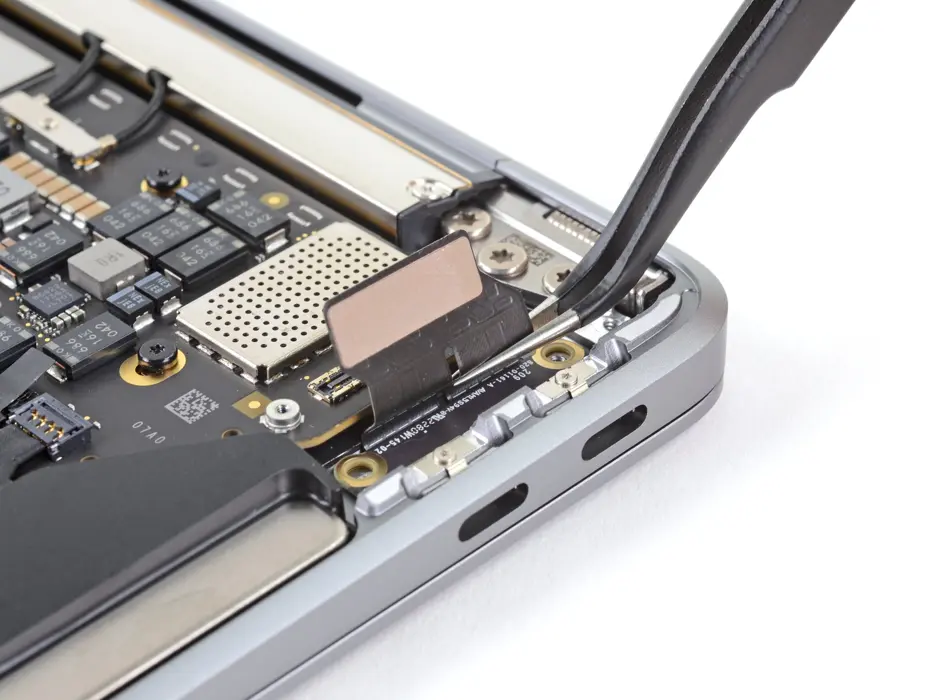
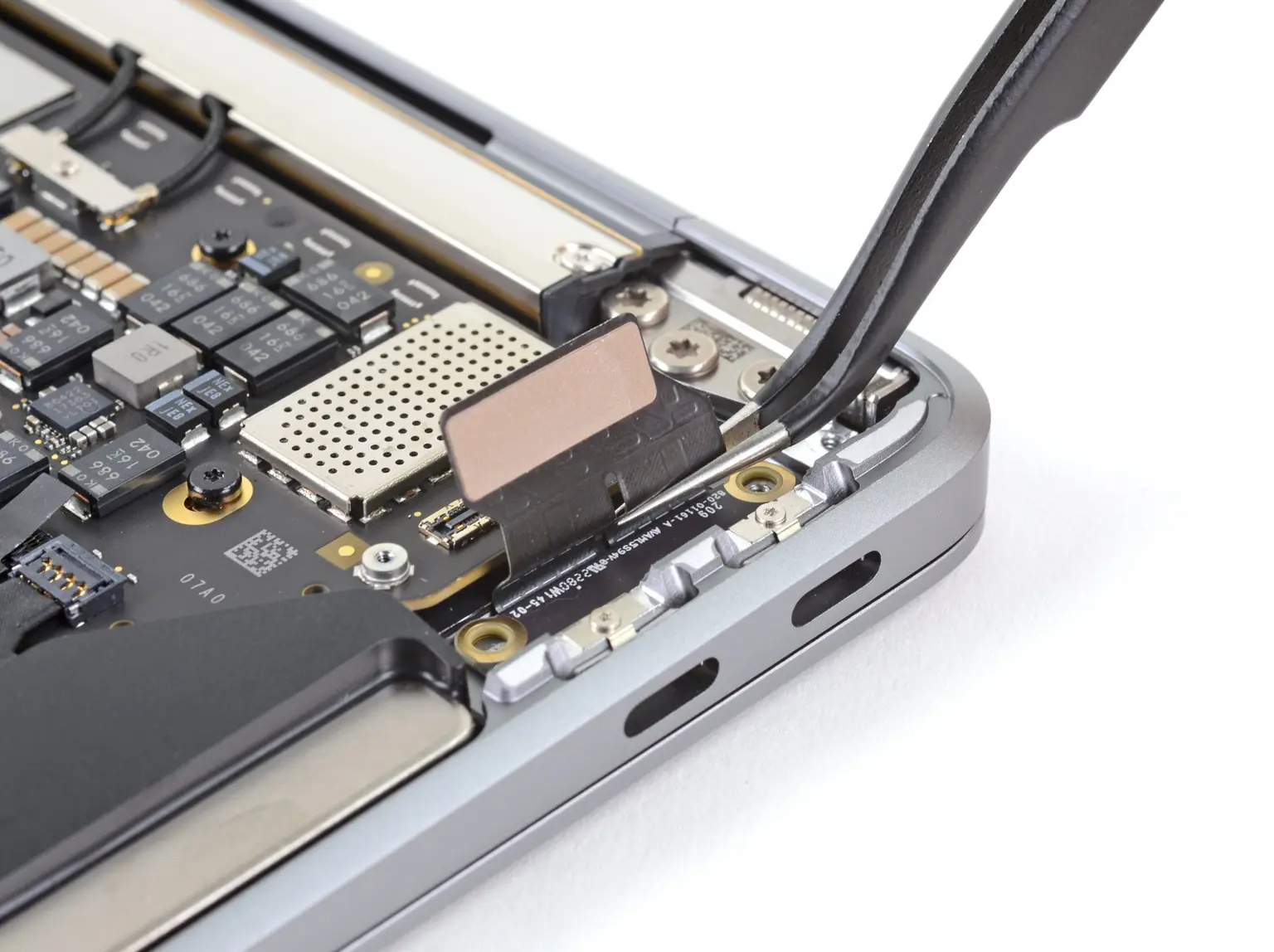
Replacing the faulty USB-C port of a 2020 MacBook Air (Intel)
One of the two USB-C ports on an early 2020 MacBook Air stopped working about three months after purchase. It wasn’t replaced while it was under warranty. After about two years of ownership, it was time to replace the port. The part itself is cheap (just a couple of dollars). A local store in New Zealand delivered it the next day; it’s even cheaper on AliExpress, but shipping can take a few weeks.
Steps:
- Remove the screws securing the lower case.
- Remove the lower case.
- Disconnect the battery.
- Disconnect the USB-C board and remove the USB-C connector cover.
- Use a T5 Torx driver to remove the two 2.9 mm screws securing the USB-C board.
- Remove the USB-C board and replace it with the new one.
Total time: about 10 minutes.