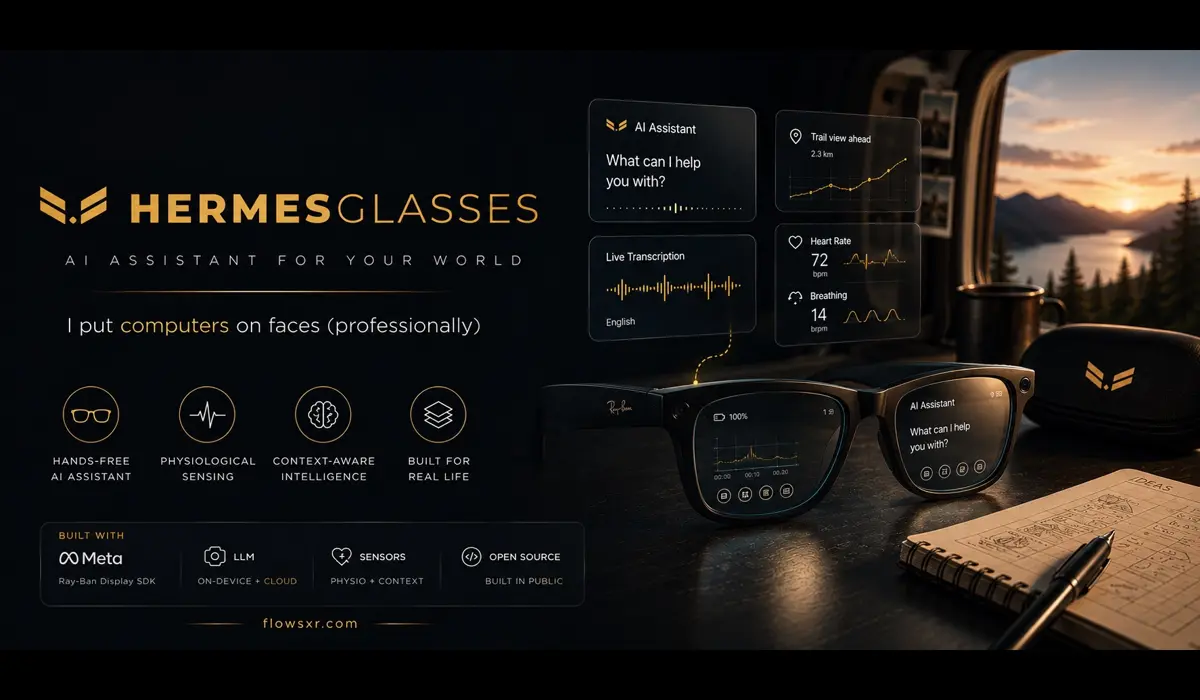
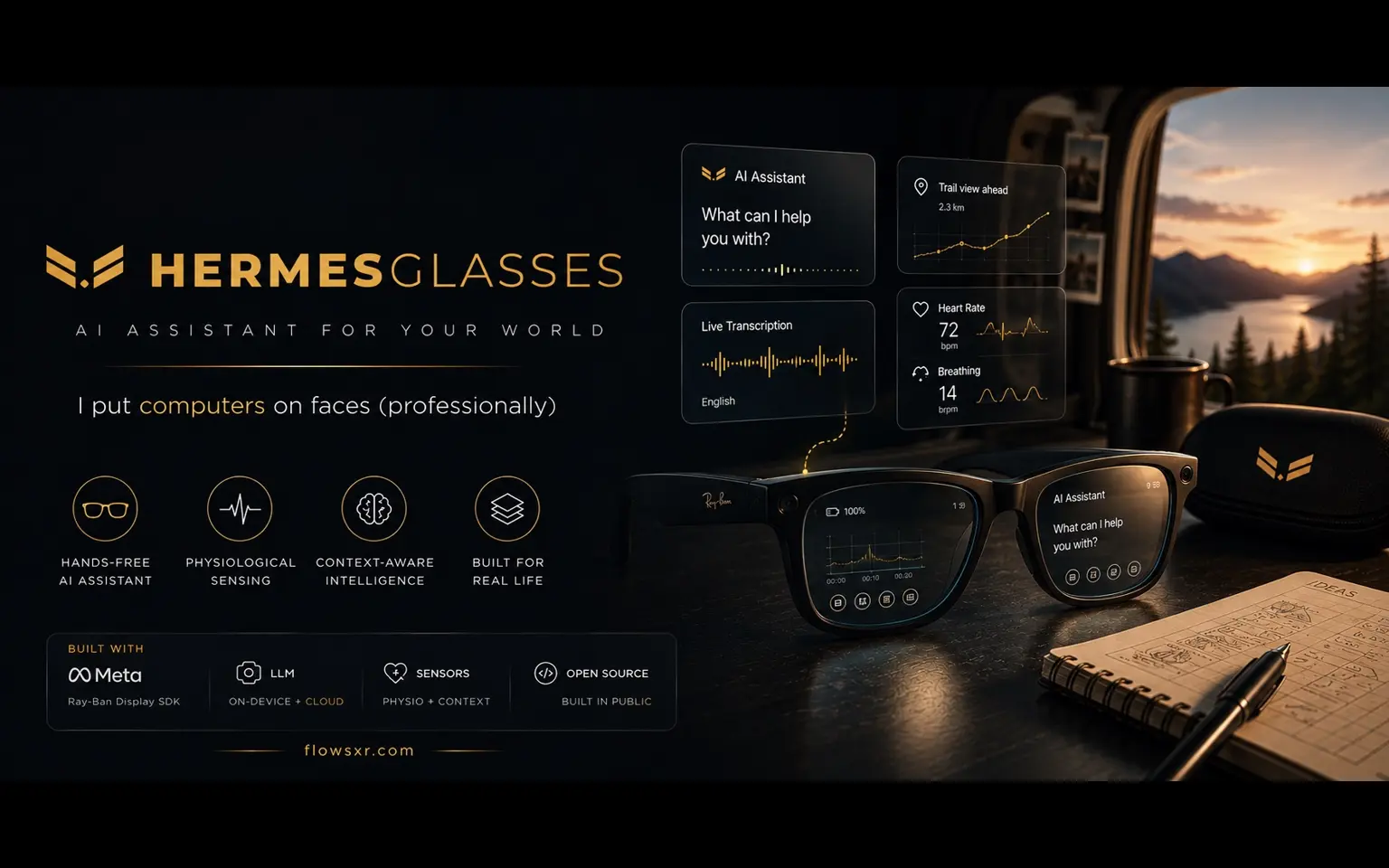
An open-source iOS app that puts the assistant of your choosing on Meta Ray-Ban Display glasses. Everything private stays on the phone.
Meta shipped Ray-Ban Display glasses with an assistant on them. You do not get to choose which one.
Hermes Glasses is what happens if you do. It is an open-source iOS app that connects to the same glasses through Meta's Wearables Device Access Toolkit and routes everything to a model you picked: Claude, GPT, Gemini, or Ollama running on your own machine.
On the Ray-Ban Display lens: a spoken reply on the left, live transcription on the right. Both hands on the wheel.
It is a standalone project, MIT licensed, and the whole thing is on GitHub.
Talk, see, remember
The app does three things, and they turn out to be quite different problems.
Talk
Speech goes through Apple's on-device recogniser, so your words appear as you speak and no audio ever leaves the phone for transcription. Completed utterances go to your chosen provider, and the reply comes back through text-to-speech and onto the lens.
A few things I did not expect to matter as much as they do:
- Silent mode. The reply renders on the lens without being spoken. In a room with other people this is the difference between usable and not.
- Choice buttons. When a reply offers options ("A) Sydney, B) Melbourne"), they become tappable buttons on the lens. Speaking a selection back is slow and error-prone; tapping is instant.
- Device context. Queries can carry the moment: time, location, motion, battery, weather. It is the difference between "where can I get coffee?" returning a generic answer and returning a useful one.
See
Say "what am I looking at?" and the app pulls a photo from the glasses camera and sends it with the question.
But not everything should go to a model. Three of the most useful features deliberately involve no AI at all:
- Object Snap runs YOLO11n on-device against the live glasses feed. Hold something in the reticle for two seconds and it lands in an object log. No network, no inference cost, no latency.
- Navigation. "Take me to the station" starts a walking or driving route with no AI round trip at all, just a turn-by-turn banner and a heading-aware map on the lens.
- Definitions pull a Wikipedia image next to the answer text.
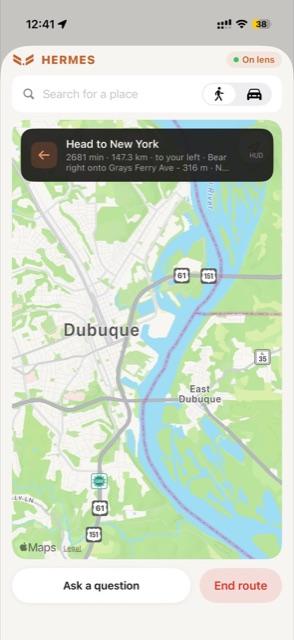
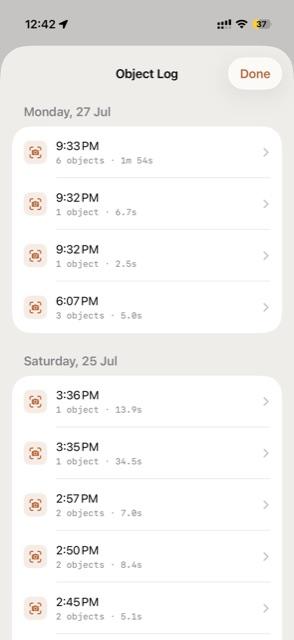
The pattern worth naming: the round trip to a language model is the most expensive thing in the loop, in latency, in money, and in privacy. A surprising amount of what you want from glasses does not need it.
Remember
This is the part I keep using and did not anticipate building.
Say "remember this person" and it snaps a photo through the glasses while you speak a note about who you just met. Say "record this conversation" and it captures the whole transcript plus automatic snaps of whoever you are talking to, triggered by a two-second look, then re-transcribes from the recording for a cleaner result. On-device OCR reads name badges out of the snaps and groups sightings into a timeline per person.
If you have ever left a conference having met forty people and retained four, you know exactly what this is for.
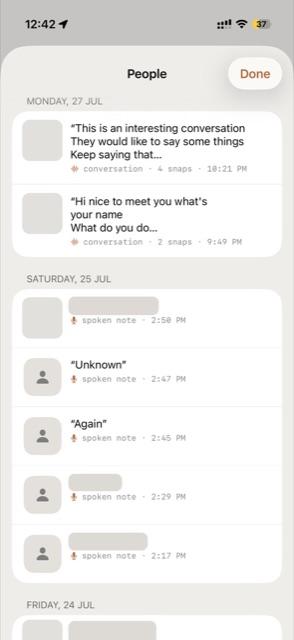
Encounters, snaps and transcripts never touch the AI, the bridge, or the network. They sit on that iPhone. There is exactly one exception, an optional AI pass to fill in badges the on-device reader missed, and it is off by default.
I want to be precise about why, because "private by design" is a phrase that has been worn smooth. A wearable camera that photographs people you meet and keeps notes about them is, functionally, a surveillance device. The only thing separating it from one is where the data goes. Keeping it on the device is not a feature. It is the condition under which building this at all is defensible.
Two ways to run it
Direct mode needs no server. The phone calls your provider itself, keys live in the iPhone Keychain, one per provider.
Bridge mode routes through a Python WebSocket server on a Mac running a Hermes Agent, which buys you tool use and cross-turn memory.
Direct mode is the one most people want: zero infrastructure, works anywhere, nothing to keep running. Bridge mode exists for when you want the assistant to actually do things rather than just answer.
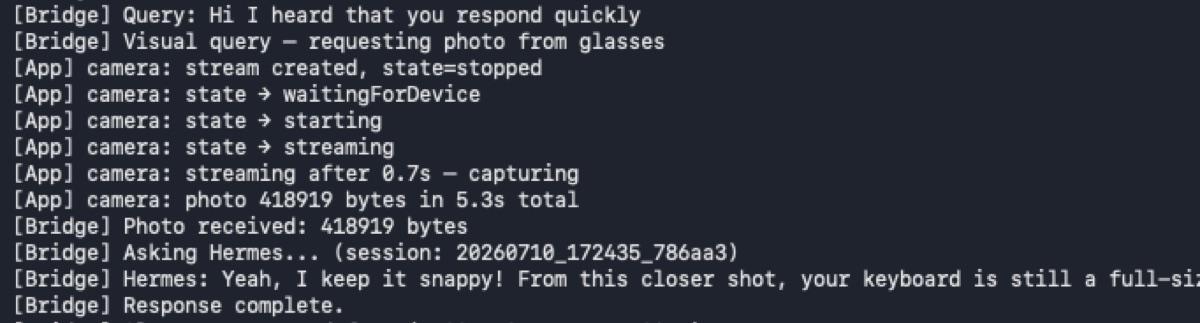
About five seconds for a full visual round trip: capture, upload, inference, reply, speech. Fine for "what am I looking at?". Not fine for anything that needs to feel continuous, which is precisely why the on-device paths exist.
No glasses? It still runs
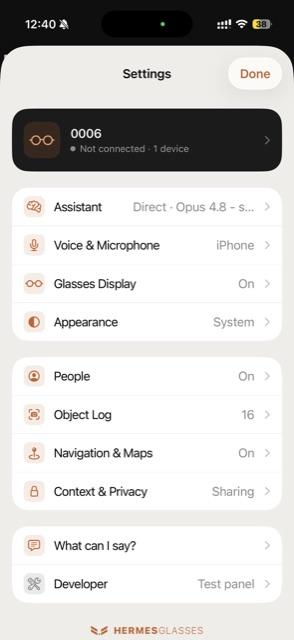
Every feature works without the glasses. A toggle switches the camera to the iPhone and a simulated Ray-Ban Display lens renders on screen, so you can build and test the entire thing on hardware you already have.
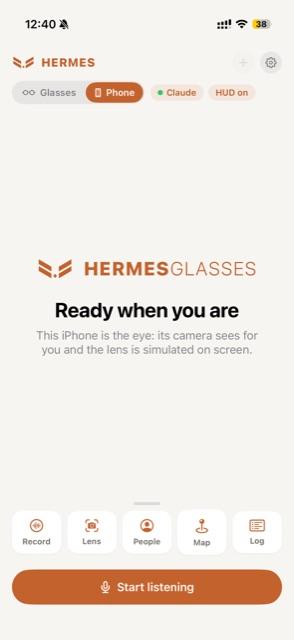
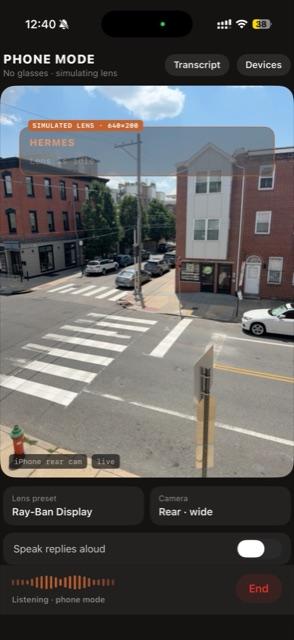
I built this for myself, since the glasses are not always to hand, but it turned out to be the single most useful thing in the repo for anyone else. The barrier to contributing to a smart-glasses project is normally that you need the smart glasses. Here you need an iPhone.
There is also a "what can I say?" page listing every voice command, generated from the intent detectors themselves so it cannot drift out of date. Hand-written command documentation is wrong within a month, every time.
Get the source
Right now the answer to "can I put my own assistant on my glasses?" is effectively no unless someone shows you how. 174 commits, MIT licensed, on GitHub, known rough edges and all.
If you want the unfiltered version, both write-ups drew a lot of questions and I answered them in the comments:
- r/SideProject: "I built an app that lets you talk to your own AI..."
- r/augmentedreality: "My AI agent lives on my Meta Ray-Bans. I asked it..."
The glasses are finally good enough and cheap enough. The interesting question is no longer whether the hardware works. It is what you would build if you got to decide what the assistant on your face was for.